



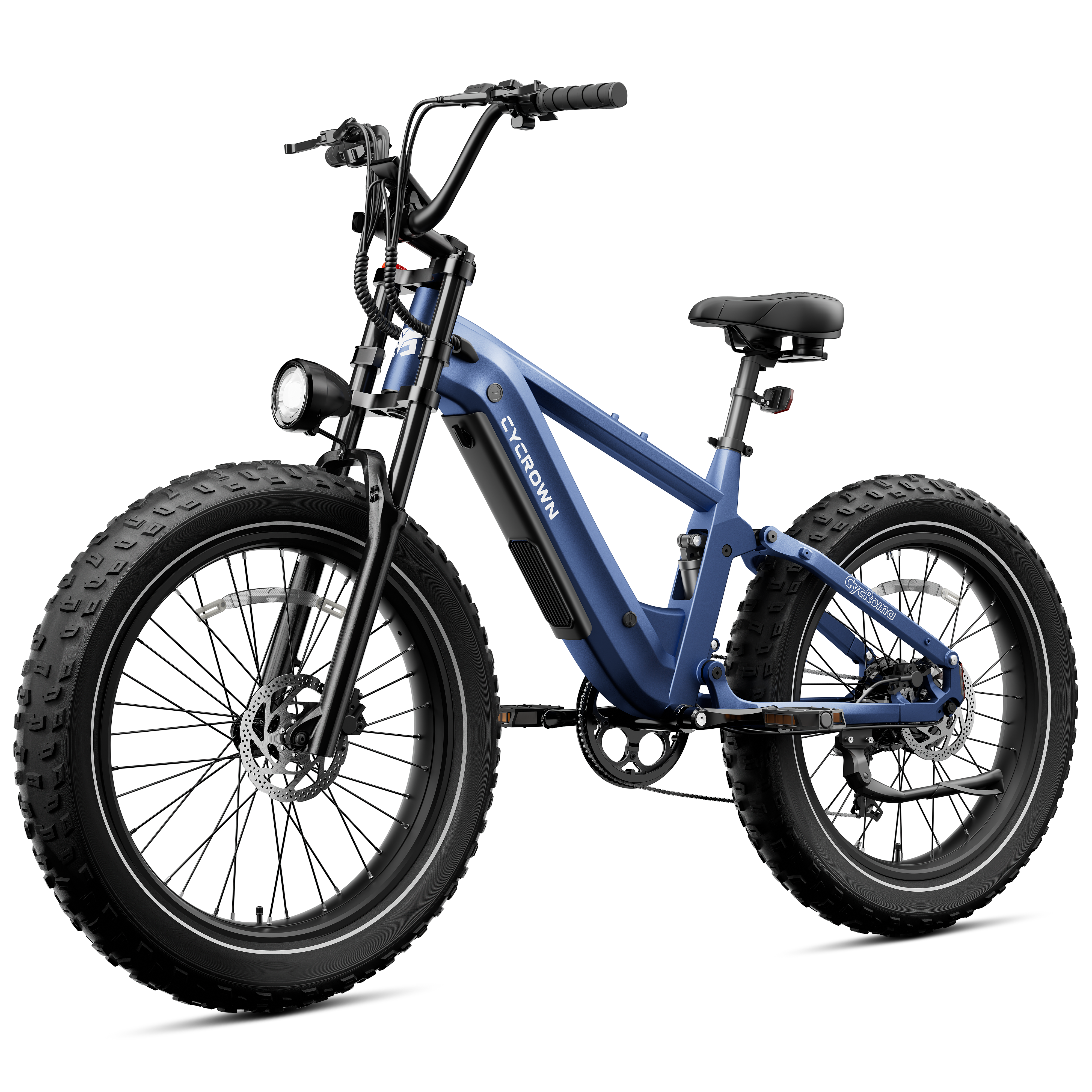

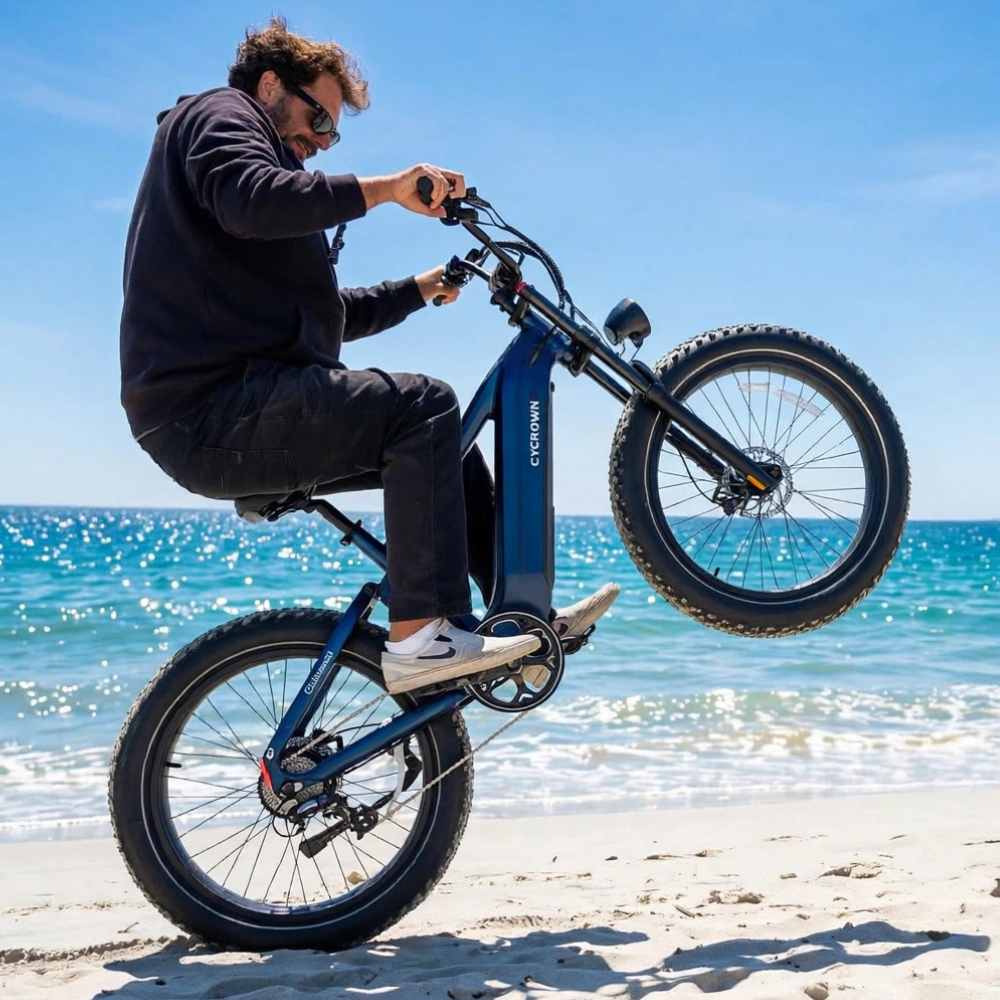
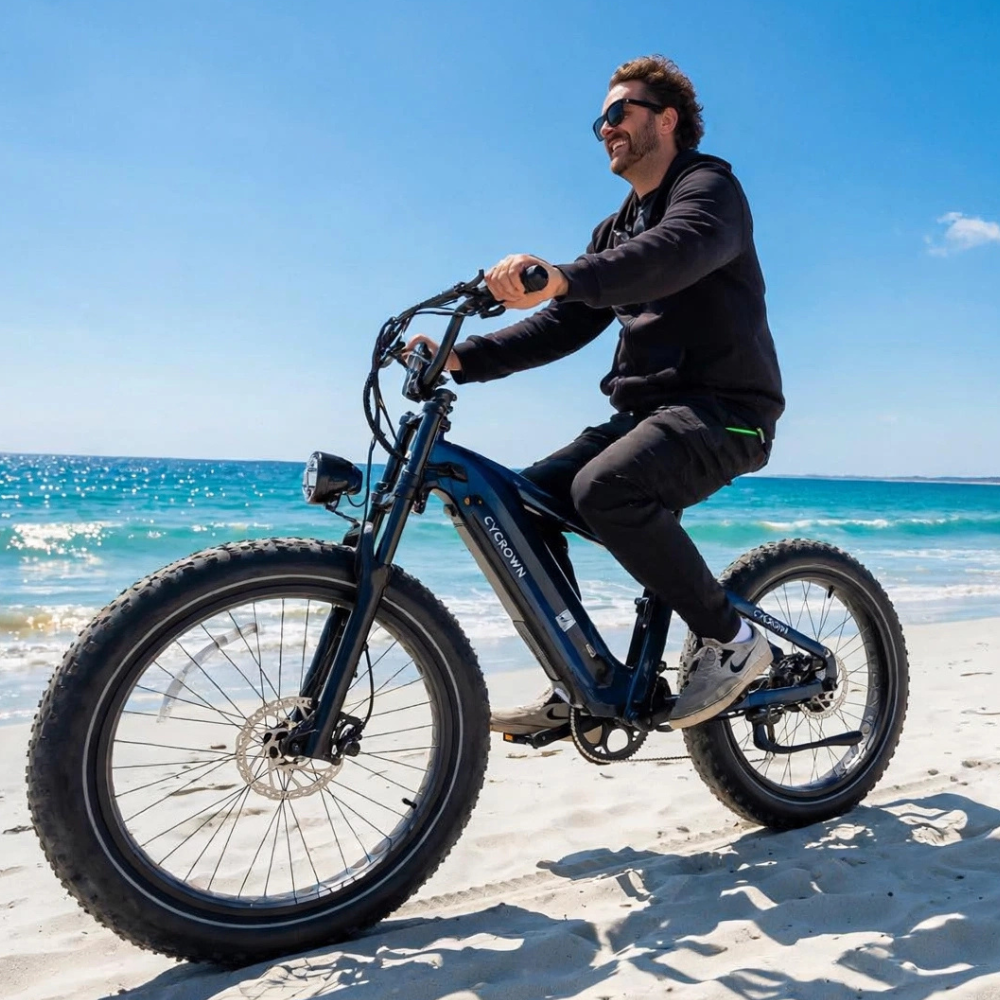


CYCROWN ROMA All-Terrain E-Bike Overview
The CYCROWN ROMA electric bike is designed for riders who value direct control, natural pedal assistance, and dependable performance across varied riding conditions. Intuitive physical controls and smart connectivity allow riders to adapt easily to different terrain and riding styles.
Key features include:
-
Dual sensor pedal assist system (Torque Sensor + Cadence Sensor)
-
Shimano 8-speed drivetrain
-
TFT display with physical control buttons
-
Bluetooth-connected CYCROWN App
-
Hydraulic disc brakes with automatic motor cut-off
Recommended Rider Height
The CYCROWN ROMA is designed to best accommodate riders with a height range of 5'7"–6'7" (170–200 cm) for optimal fit and comfort.
Installation Video and User Manual
Before your first ride, please complete the initial installation and setup.
Official Installation Video
Watch the official CYCROWN ROMA installation video to correctly install the front wheel, handlebars, pedals, seat post, and battery.
User Manual (PDF)
Download the official CYCROWN ROMA electric bike user manual for detailed specifications, display indicators, safety instructions, and maintenance information.
CYCROWN ROMA electric bike Manual
How to Switch Between Torque Sensor and Cadence Sensor

Sensor Mode Switching Method
Condition: The bike must be powered ON
-
Turn on the e-bike and confirm the display is active
-
Quickly press the “M” button three times
-
Each triple press switches the pedal assist system between:
-
Torque Sensor Mode
-
Cadence Sensor Mode
-
No menu access is required.
No app connection is required.
The switch can be completed while the bike is stationary.
Torque Sensor Mode
-
Motor assistance responds directly to pedaling force
-
Assistance output increases immediately with stronger rider input
-
At low speeds or during initial starts, stronger pedal force may result in more noticeable forward acceleration
For smoother starts, riders are advised to apply pedal force gradually when starting from a stop.
Cadence Sensor Mode
-
Motor assistance responds to pedaling rotation
-
Assistance output remains consistent while pedaling
-
Provides a steady and predictable riding rhythm
How to Shift Gears on CYCROWN ROMA (Shimano 8-Speed)
The ROMA is equipped with a Shimano 8-speed rear drivetrain, operated via the right-hand shifter.
-
Press the inner lever → shift to a higher gear
-
Press the outer lever → shift to a lower gear
Shift one gear at a time and slightly reduce pedaling force during shifting.
Front Suspension Lockout Adjustment

The CYCROWN ROMA features a front suspension fork with lockout adjustment.
-
The suspension can be locked or unlocked using the adjustment control on the fork
-
When locked, the fork remains firm to reduce movement during pedaling
-
When unlocked, the fork absorbs bumps and uneven terrain for improved comfort
Locking the suspension is suitable for smooth roads and steady cruising, while unlocking it improves control and comfort on rough or uneven surfaces.
CYCROWN App Features
The ROMA connects to the CYCROWN mobile app via Bluetooth (iOS and Android).

Real-Time Riding Data
-
Speed
-
Battery level
-
Assist level
-
Trip distance
-
Ride duration
Navigation and Route Guidance
-
Search for a destination directly in the app
-
View the planned riding route on the app map
-
Receive direction guidance during riding
Front Light Control
-
Turn the front headlight on or off through the app
-
Brightness adjustment depends on firmware version
-
When a smartphone is connected, navigation data remains visible during the ride.
Rear Light Note
The rear light does not support turn signal functions. It automatically brightens when braking.
Braking Safety and Motor Cut-Off System
-
Pulling either brake lever immediately cuts motor assistance
-
No additional settings or activation are required
Battery Removal and Charging
Battery Removal
-
Power off the e-bike
-
Unlock the battery using the key
-
Remove the battery using both hands

Battery Charging
-
Use the original charger
-
Charge in a dry, well-ventilated environment
-
Full charge time: approximately 5–6 hours
Riding Tips
-
Shift to lower gears before climbing
-
Apply pedal force gradually when starting in Torque Mode
-
Use Cadence Mode for steady cruising
-
Avoid shifting under heavy pedaling load
FAQs
How do I switch sensor modes on the CYCROWN ROMA?
Quickly press the “M” button three times while the bike is powered on to switch between torque and cadence sensor modes.
Can sensor modes be changed in the app?
No. Sensor mode switching is performed only through the display button on the bike.
Does the CYCROWN App support navigation?
Yes. Riders can search for a destination, view the planned riding route on the app map, and receive direction guidance during the ride when a smartphone is connected.
What rider height is the CYCROWN ROMA suitable for?
The recommended rider height range for the CYCROWN ROMA is 5'7"–6'7" (170–200 cm) for optimal fit and comfort.
Does the CYCROWN ROMA support front suspension lockout?
Yes. The front suspension can be locked or unlocked using the adjustment control on the fork to adapt to different riding surfaces.
Why does the bike feel more responsive when starting in Torque Mode?
Torque Mode delivers motor assistance based on pedaling force. During initial starts, applying strong pedal force may result in quicker acceleration. Gradual pedal input can help achieve a smoother start.
Where can I find the installation instructions and user manual?
The official installation video and the CYCROWN ROMA user manual (PDF) are available on the official product page and should be reviewed before the first ride.
Final Summary
The CYCROWN ROMA electric bike is built around clarity, rider control, and predictable assistance. Mastering sensor switching, suspension adjustment, gear operation, and app navigation ensures a confident and controlled riding experience.


